


Key Tips Discussed in This Blog
- Wear a medical alert button or pendant every day so help is always within reach.
- Understand how fall detection sensors work and why pressing the help button is still the most reliable way to call for assistance.
- Learn how your system connects you to trained Lifeline response professionals who assess the situation and send the right help.
- Keep your equipment ready by testing it monthly, charging mobile devices regularly, and wearing your help button consistently
If you’ve ever wondered what actually happens when someone presses a medical alert button, you’re not alone. That’s why we have put together this guide that walks you through the full journey in plain language.
The important part to note is that the process is simple. A wearable help button or fall detection sensor starts a call, a communicator picks it up, and a trained Lifeline response professional connects you with the right help quickly. The result is practical peace of mind for seniors and caregivers at home and on the go.
Detecting Falls and Supporting During Emergencies
Medical alert devices begin with something you can wear comfortably all day. Most people choose a pendant or wristband with a large, easy-to-press help button. Pendants designed for fall detection contain built-in motion sensors and algorithms that look for patterns consistent with a hard fall. If the device believes a fall has occurred, it can start a help call automatically. Even with fall detection, pressing the button whenever you need help is still the best practice, since no technology can identify every possible fall.
A few practical notes help set expectations:
- Fall detection is available on select devices. Lifeline offers automatic fall detection in pendant-style options and the On the Go Smartwatch. These devices use built-in motion sensors and an algorithm to identify potential falls and can automatically place a call to our Response Centre if needed.
- Water resistance supports daily wear. Help buttons are water-resistant for use in areas like the shower, where many falls occur, but they’re not designed for prolonged submersion, such as swimming.
- Battery and maintenance are handled for you. The help button’s sealed battery is monitored, and the system runs automatic self-checks. Lifeline Canada also recommends a quick monthly test press to confirm everything is working. Testing is also a great way to get comfortable with how the service works, so you’ll feel confident using it when needed.

Call Initiation
Once a help event is triggered, your medical alert device decides how to place the call based on the type of device you use.
At Home with HomeSafe
HomeSafe pairs your wearable button with a home communicator that has a powerful speaker and microphone. Press the button, and the communicator places the call to Lifeline over a landline or built-in cellular connection. The two-way speaker then opens, allowing you to speak hands-free. Coverage is designed for your home and its surrounding areas, such as the yard, depending on the device’s range and placement.
Out and About with On the Go
Lifeline’s mobile solutions connect through nationwide third-party cellular networks and use GPS, and in some cases Wi-Fi signals, to help determine your location. When you press the help button or the system detects a fall, two-way voice communication is available through the button or smartwatch itself. Lifeline offers compact On the Go with Fall Detection devices and an On the Go Smartwatch with a senior-friendly design that combines a help button with familiar features like step tracking.
Connection with Emergency Services
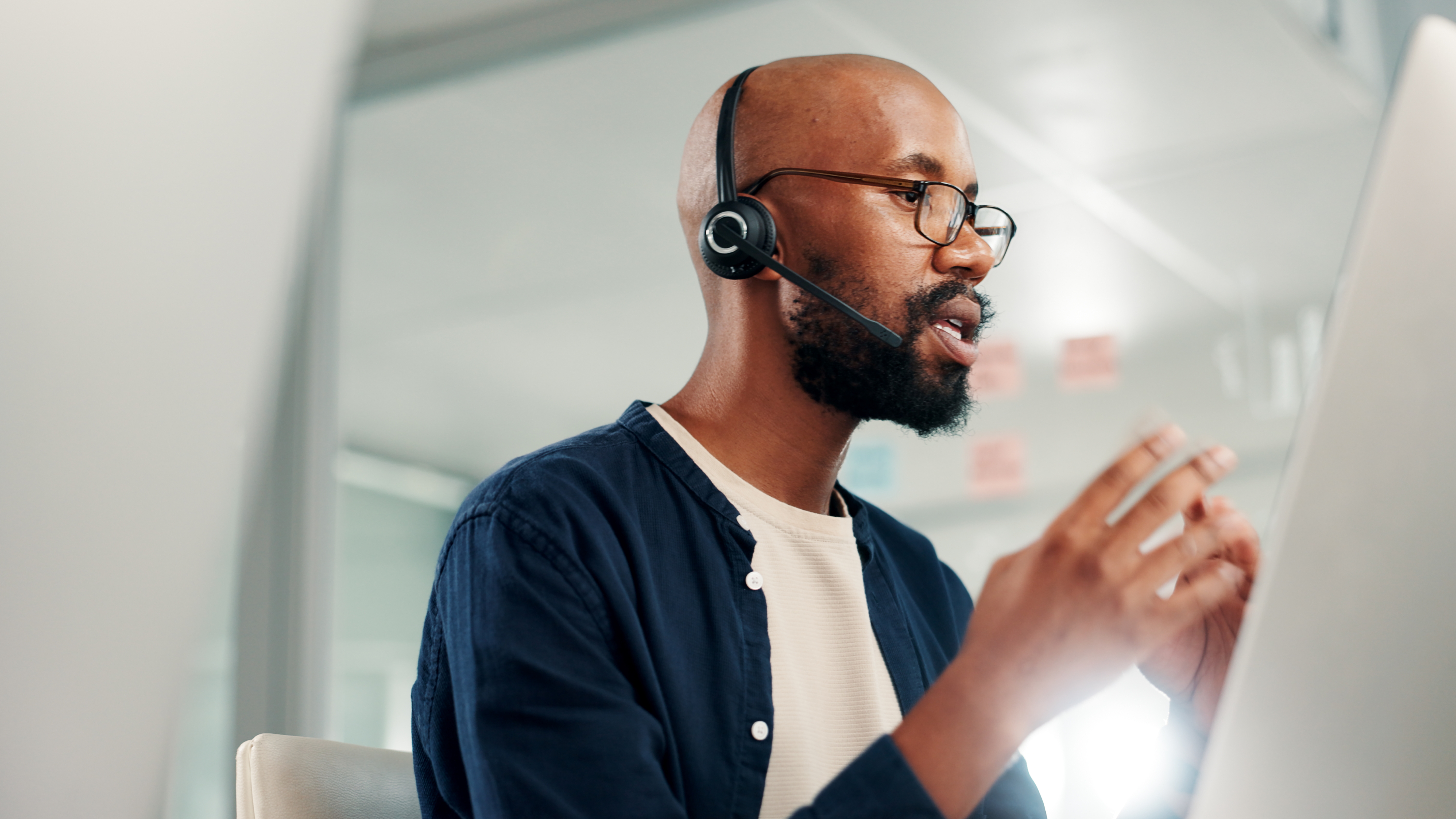
After the call goes through, a trained Lifeline response associate speaks with you through the communicator, mobile button, or smartwatch. The associate confirms your location, asks what happened, and checks your personal preferences on file. Depending on your situation, they can contact a neighbour, family member, or request emergency services. The associate stays on the line until help arrives and follows up to confirm support reached you.
Many families appreciate how this system blends people and process. Lifeline emphasizes professional training and maintains Canadian operations, offering options for in-home installation to help you set up and test your equipment so you know how it works before it’s needed.
See also: Lifeline Product Comparison
For families supporting someone with long-term conditions, our blog on how medical alert systems support those with chronic conditions explores how these systems can fit into everyday care routines.
Benefits and Limitations
Medical alert technology brings peace of mind by ensuring a trained response is a single button press away. The right setup supports independent living, offers caregivers confidence to step out for errands or work, and can speed access to help if something goes wrong. Every day use might include wearing a pendant in the shower or on a walk, or using a smartwatch that helps you stay active and connected.
In addition to these benefits, balanced expectations are important:
- It complements 911; it doesn’t replace it. If you can safely call 911 directly in a life-threatening emergency, do so. Medical alert services add an immediate, guided pathway to help, including contacting your chosen caregivers when appropriate.
- Wearing the device is essential. The system cannot help you if it is stored in a drawer or nightstand.
- Fall detection helps, but it has limits. Algorithms are carefully tuned, yet no wearable can detect one hundred percent of falls. Always press the button if you need help.
- Coverage depends on the connection. Home communicators need power and a working phone line or cellular signal, while mobile devices depend on cellular coverage and regular charging.
- Water resistance and placement matter. Wearables are designed for daily use around water but not prolonged submersion. Keep the communicator in a central area for a clear, two-way voice connection and response.
If fall prevention is a priority, explore our Fall Prevention Guide. It offers practical ways to make your home safer, reduce fall hazards, and support independent living with confidence.
Summary: How To Keep Your Medical Alert Device Ready
- Wear the button, day and night. The device only works when you are wearing it.
- Charge mobile devices as directed. A daily or routine charging habit prevents low-battery alarms.
- Test monthly. includes simple steps for testing your equipment safely.
Around-the-Clock Help is Within Reach
Medical alert technology is designed to fit into your life with minimal effort. Wear the button, press it if you need help, and let the system and a trained response associate do the rest. And, if you press your button accidentally, don’t worry. Just let the responder know you are okay. It is a helpful reminder that your system is working and is there when you need it most. Whether you want support at home or on the go, there’s a straightforward option that protects independence and brings everyday calm to you and your family.
If you need help finding the best fit, take our quick 30-second Medical Alert Assessment for personalized recommendations.
About the Author
What You Should Do Now:
Here are 5 ways we can help you or your loved one live safer and more independently at home as long as possible:
- Get our latest tips, tools and resources straight to your inbox. Sign up for our monthly newsletter.
- Not sure if the time is right for a medical alert service? Take this quick assessment to find out.
- If you would like to learn how to live a healthier and safer lifestyle, go to our blog or visit our resources section, where you can read and download guides.
- Wondering which medical alert system company is the best for your needs? We’ve put together a guide comparing the best medical alert systems for you.