

On the Go
Mobile Personal Emergency Response System. More than just a GPS Tracker.
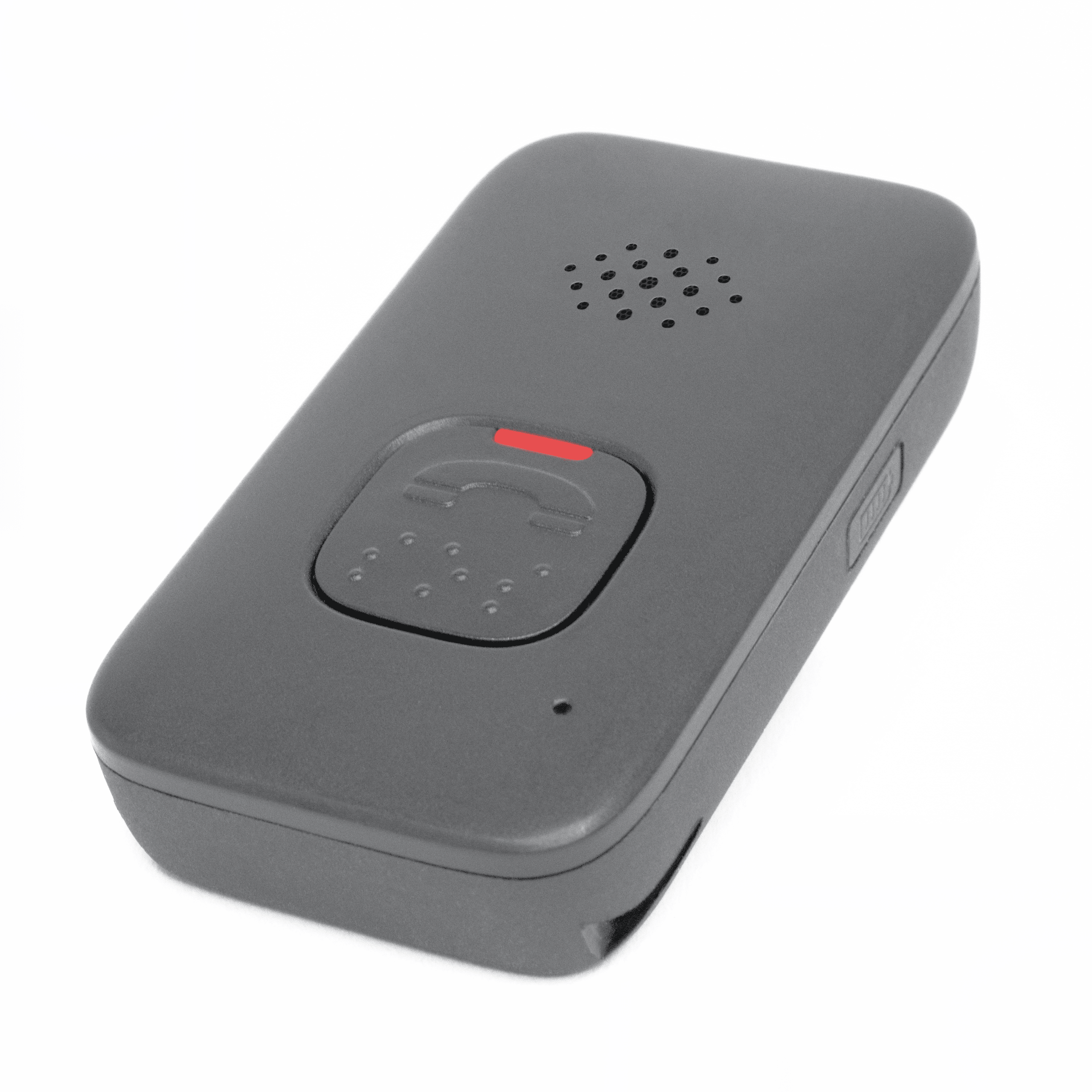
If you lead an active lifestyle or simply need coverage both in and out of the home, our On the Go is small, easy to use, and delivers fast, 24/7 access to help at the press of a button.
On The Go is recommended for people who:
- Frequently socialize outside of home
- Don’t let frailties limit what they do
- Are still active but may be becoming more frail / at risk for falls
- Go out 3-4 times a week alone (i.e. volunteering, visiting friends, running errands, exercising)
- Worry about their ability to access help outside their home in a medical emergency
System & Hardware
Lifeline medical alert systems offer dependable, convenient, and purpose-built technology. What does that mean to you? Just like how in the event of an emergency, you can get help quickly.

Personal alert button
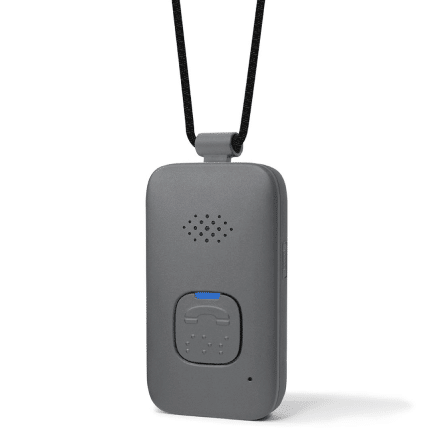
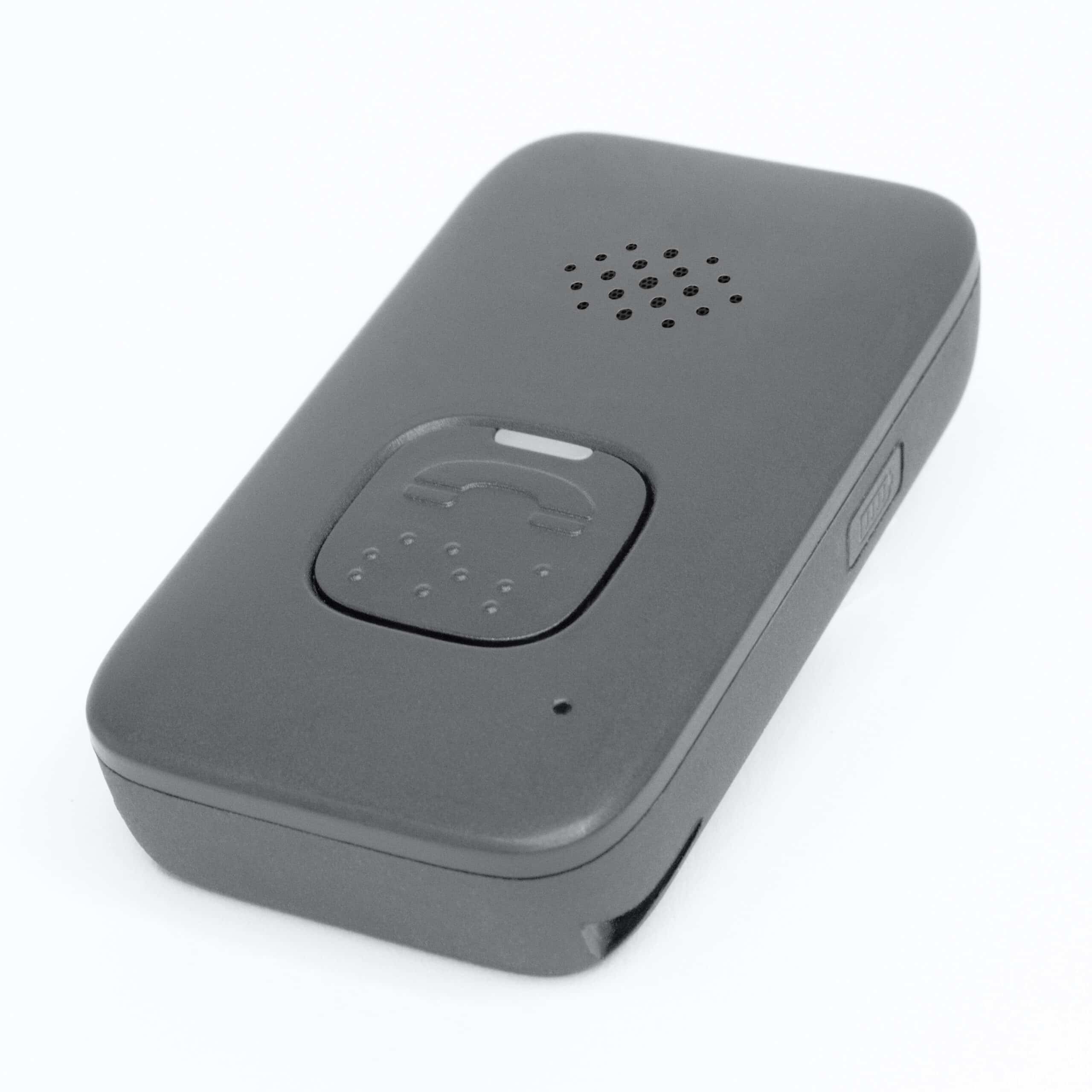
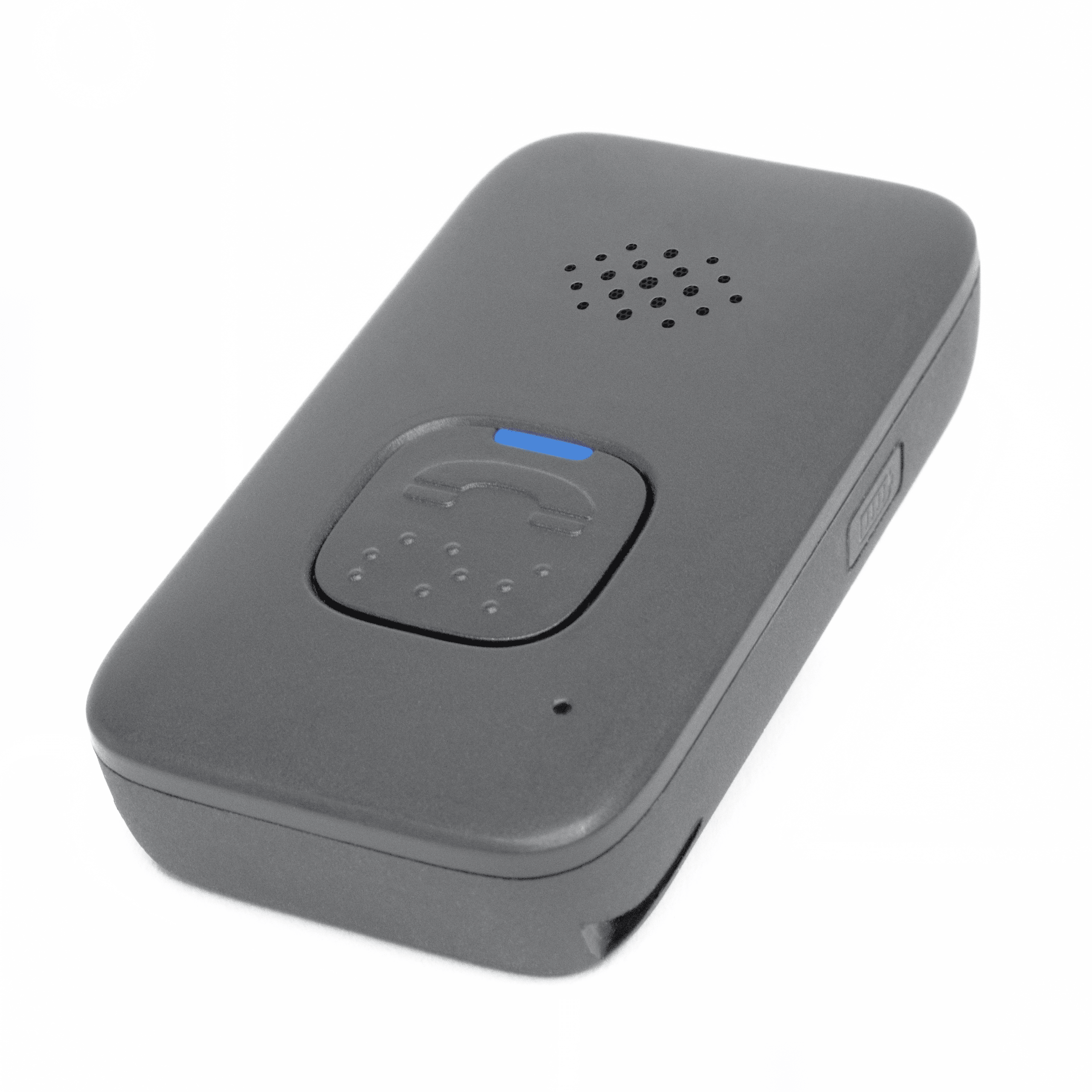
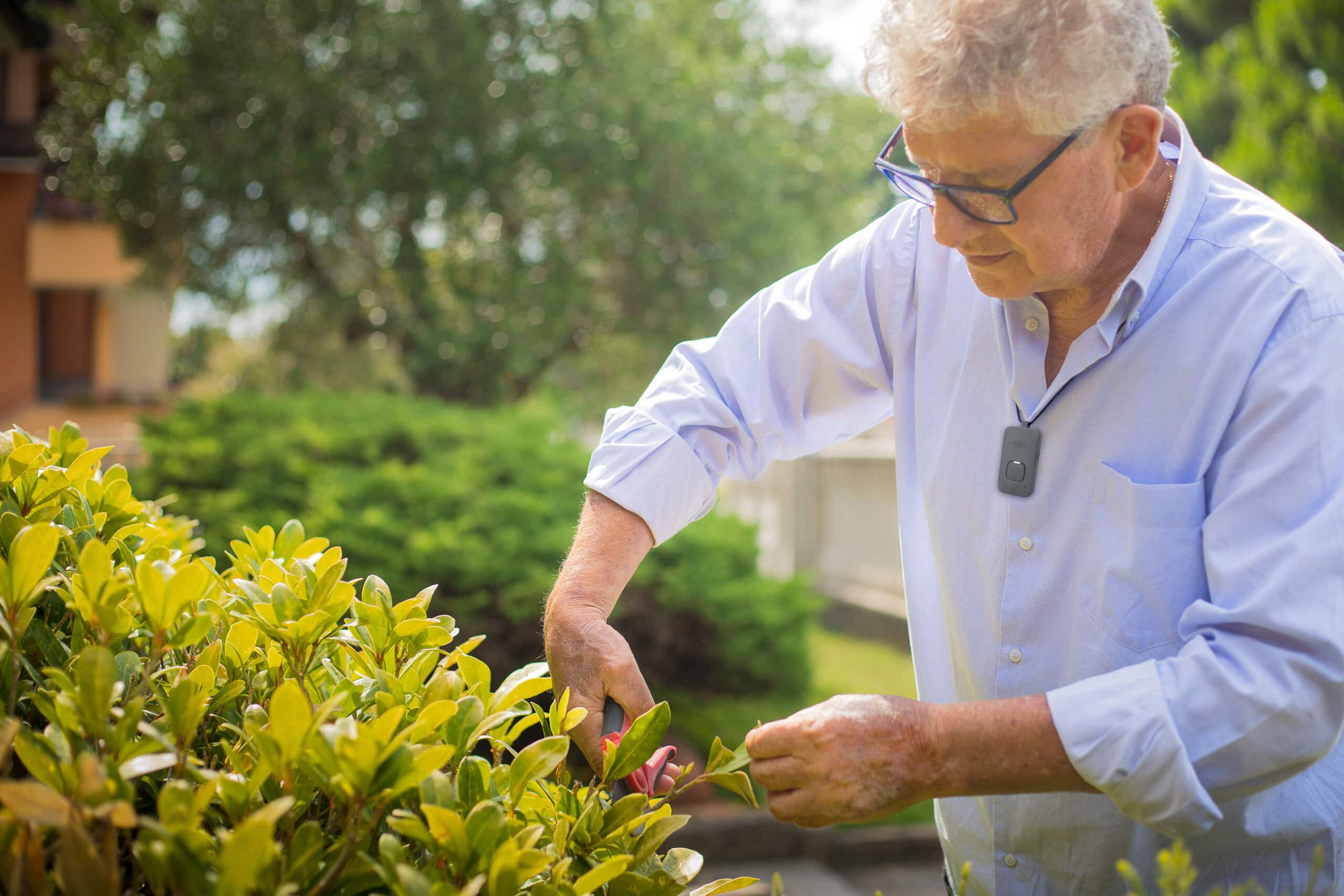
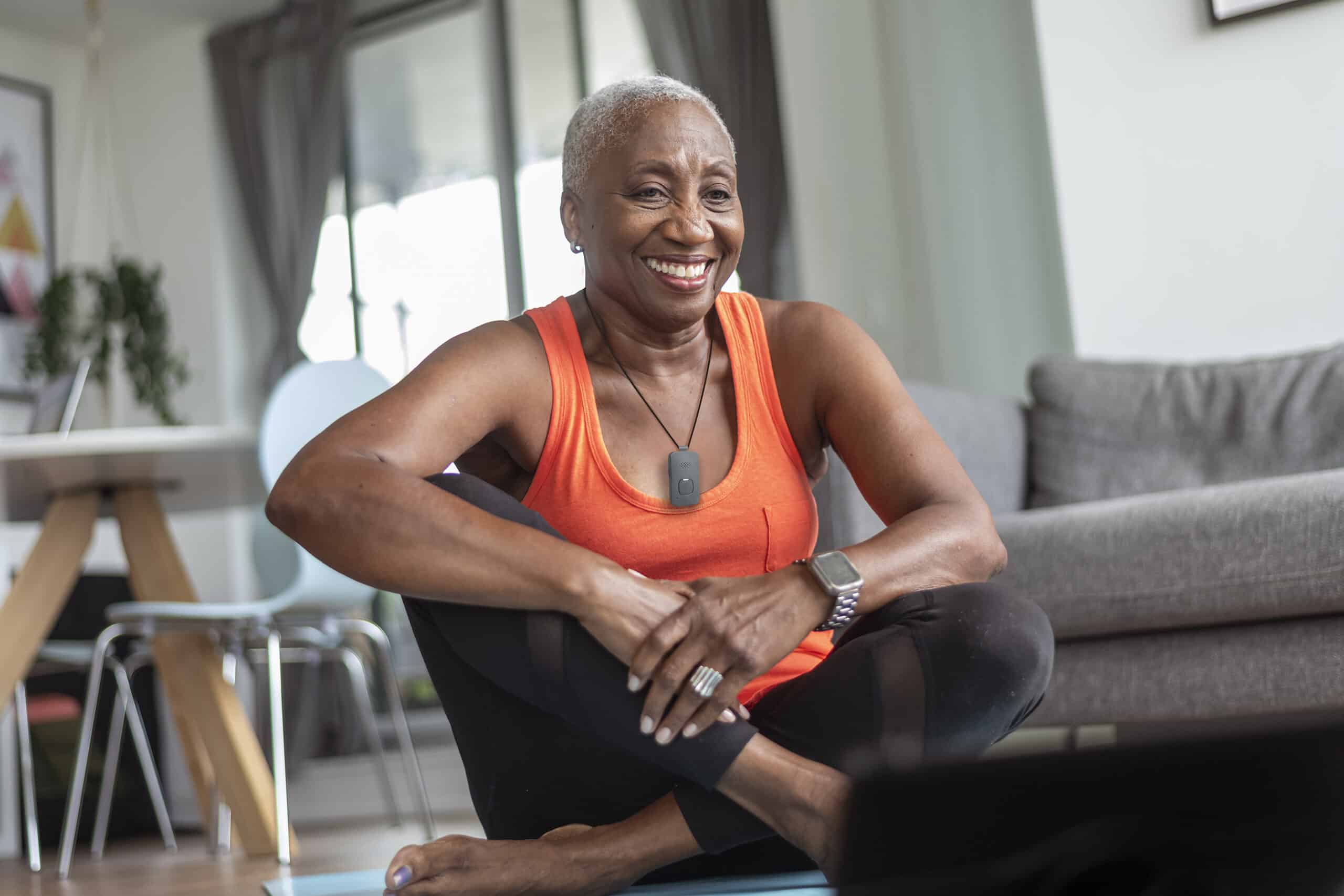
Wear the On the Go Button around your neck both inside and outside the home for access to help when you need it!
Choose the Right Device for Your Lifestyle
| Features | On the Go Series (On The Go, On The Go Mini, On The Go with Wandering) | HomeSafe Standard Our standard Medical Alert Pendant & Wristband | Homesafe with Fall Detection Medical Alert System with Automatic Fall Detection |
|---|---|---|---|
| Two-way Voice Communication | Yes | Yes | Yes |
| Fall Detection | Yes | No | Yes |
| Pendant-Style Devie | Yes | Yes | Yes |
| In-home Communicator | No | Yes | Yes |
| GPS Tracking | Yes | No | No |
| 24/7 Lifeline Response Associates | Yes | Yes | Yes |
| Water Resistant | Yes | Yes | Yes |
Not sure where to begin?
Not ready to get started?
More than a GPS Tracker
Superior Automatic Fall Detection
Fall detection technology can automatically call for help if it detects a fall—even if you can’t push the button.2

Location Technologies
On the Go features advanced location tracking including Advanced GPS so no matter where you are, we can get you the help you want.5

Two-way Voice Communication
Speak directly with a Lifeline Response Associate through you On the Go help button to have fast access to help on the go.

Uninterrupted Support
Since you can wear your Lifeline Help Button at all times, unlike a cell phone, it should always be easily within reach.

You Are in Charge
Choose whether our Response Centre dispatches a family member, close friend or emergency services when help is needed.

24/7 Response Centre
Our Canadian-based Response Centre are available 24/7, and staffed with professionally trained and caring Associates.
How On the Go Works During an Emergency
Our On the Go device provides support wherever you are across Canada. Emergency services are just a button push away.
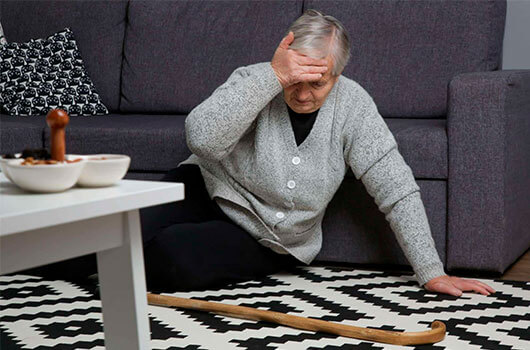
1. Help When You Need It
You can press the help button on your device at any time. If you fall and can’t push your button—the fall detection feature can automatically call for help.

2. Connect with Us
Once a connection is established, a caring Lifeline response associate will quickly assess your situation.
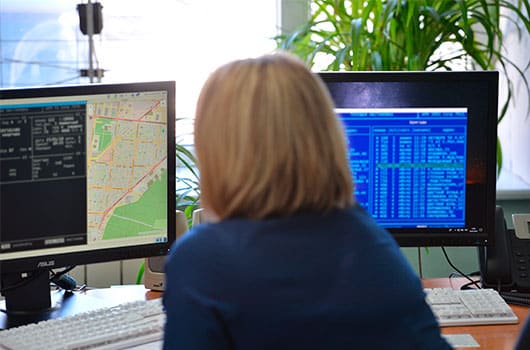
3. We Determine Your Location
Lifeline pinpoints your location via your mobile pendant. On the Go uses up to 4 technologies to precisely identify where you are.
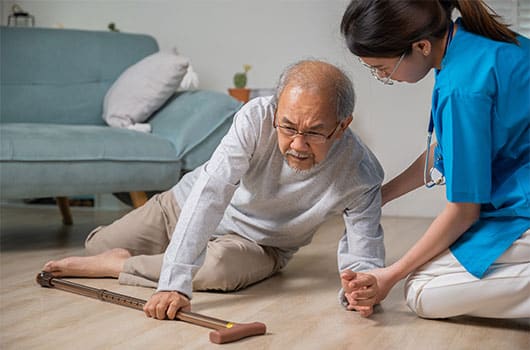
4. Help is on the Way
Our response associate contacts a neighbour, loved one, or emergency services—based on your preferences—and will stay on the line until help has arrived.
Frequently Asked Questions
Can I travel across Canada with my On the Go?
Yes. If you are away more than one night, we recommend bringing your On the Go button with the charger. If you know in advance you will be travelling, let us know so we can set up a temporary profile and review what you need to do. Please notify us when you have reached your destination and always send a test call through.
Can I bring my On the Go button with me to travel outside Canada?
No. We cannot monitor On the Go subscribers outside Canada. Please refer to your Service Agreement for more information.
How long will the charge last on my On the Go Mobile Medical Alert button?
The battery can last 2-3 days, based on the activity level. In general, we recommend that you charge your On the Go Mobile button daily if possible. Refer to the Instructions for Use for more information.
Is there a wrist version of On the Go?
No, not at this time.
What is the difference between waterproof and water resistant? What is the IP Rating?
Waterproof means the device can be submerged under water for a certain length of time up to a certain depth. Water resistance means the device can withstand small splashes of water, rain, sweat, etc.
If the Fall is detected, who do we contact first?
If the client is responsive, we will speak to them through the 2-way communicator to discuss what has happened and call responders/emergency services as needed. If the client is unresponsive, then we will try calling over the phone. If there is no answer over the phone, we will then call 911 then call the list of responders.
Can I take the plane with my On the Go button?
Yes! You can take your OTG button with you when you travel within Canada. If you are travelling by plane, the OTG button needs to be powered down before boarding the aircraft and should not be placed in checked baggage. It should stay on your person or in your carry-on luggage.
What is the range of coverage for the On the Go device?
Your OTG button is designed for use within Canada only. Coverage inside and outside the home is provided where third-party cellular network coverage is available and subject to device location, environment, equipment, and facility conditions. Signal range may vary. Lifeline may not always be able to determine your location.
How does the device alert Lifeline if a fall is detected?
It will place a cellular call and send a fall detected alarm to Lifeline. One of our Personal Response Associates will assess your situation and send the help you need—whether it’s a family member, neighbour, or emergency service. We also always follow up to make sure help arrives.
Can I manually press the help button if needed?
You can always press the On the Go mobile help button for assistance, but it requires access to third party cellular network coverage to send a signal to Lifeline.
Can the device work in areas without cellular service?
No, the On the Go requires cellular service to send help calls and fall detected signals to Lifeline.
What happens if I trigger a fall detection alert accidentally?
This may happen from time to time. Just let the Lifeline Personal Response Associate know that you do not require assistance.


Reviews
“Words can barely express how much peace of mind this service has brought to me and my family since getting it. It has allowed me to live alone, in my own home, ever since my husband’s death years ago. A wonderful service.”


Thelma
Subscriber
“To the amazing Lifeline team, Thank you so very much for your kind attention to my dad, Jean Paul Hebert. We have had your service for many years now, since mom became ill. We thank you most sincerely.”

Denise
Caregiver
“The wireless service is perfect for someone like me who has a chronic illness. It lets me stay independent safely and it’s so wonderful not to have to worry about how I would get help if I have another unnoticed seizure.”

Nigel F.
Subscriber
I was concerned about discharging an elderly patient because she was quite frail. I recommended a medical alert service and she finally agreed. Soon after, I learned she had fallen down some stairs, struck her head and lost consciousness. Fortunately, she was able to press her Help Button. An ambulance arrived quickly and she avoided further injury. This is such a simple apparatus but it changes the outcome of otherwise catastrophic events.

Jaclyn
Emergency Room Geriatric Specialist
“A few years ago after my grandmother had fallen several times and was still living on her own we invested in Lifeline to ease our minds and hers. Lifeline makes us, as a family, feel safe and confident that our loved ones are always looked out for.”

Tamara Horton
Caregiver
"I’ve been a subscriber for a couple of years and it blows me away when people say they don’t need this service. Take it from me, you never know when you’ll need help. If and when you do need it, it’s great to have Lifeline.”
Lucy D.
Subscriber
"We have probably used Lifeline over the past year countless times and I have to say without fail Lifeline has been there for us in a very professional manner thus given me and my parents the confidence to go about our daily routines with without worry.”
Rod Murphy
Caregiver
Other Lifeline Products
Best lightweight design for inside/outside use
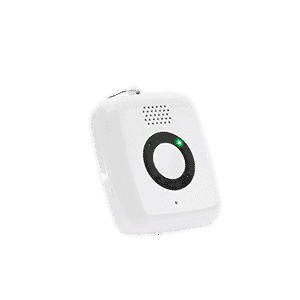
On the Go Mini
Most compact design offering that provides around-the-clock access to help at the press of a button.
Best solution for wandering
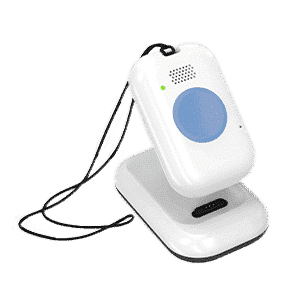
On the Go with Wandering
Allows you to track your loved one’s general location on your smartphone when they leave home.
Best for active lifestyles
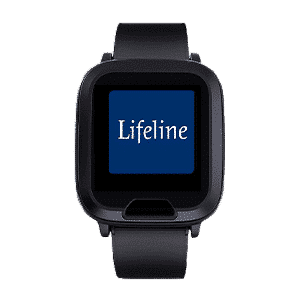
On the Go Smartwatch
The Lifeline Smartwatch is designed to support healthy and active lifestyles.
Best value for in-home use
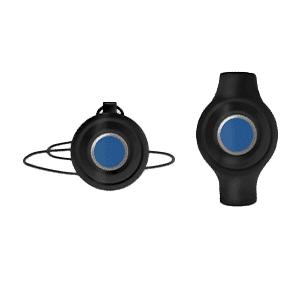
HomeSafe
Our most affordable system. Get access to help 24/7 at the push of a button.