
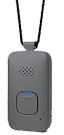
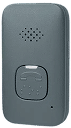
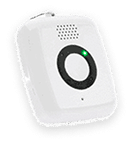
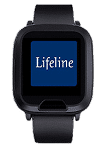
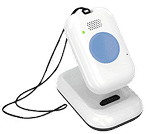
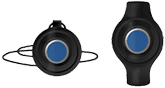
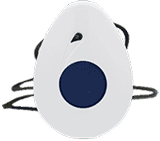




On the Go Mini
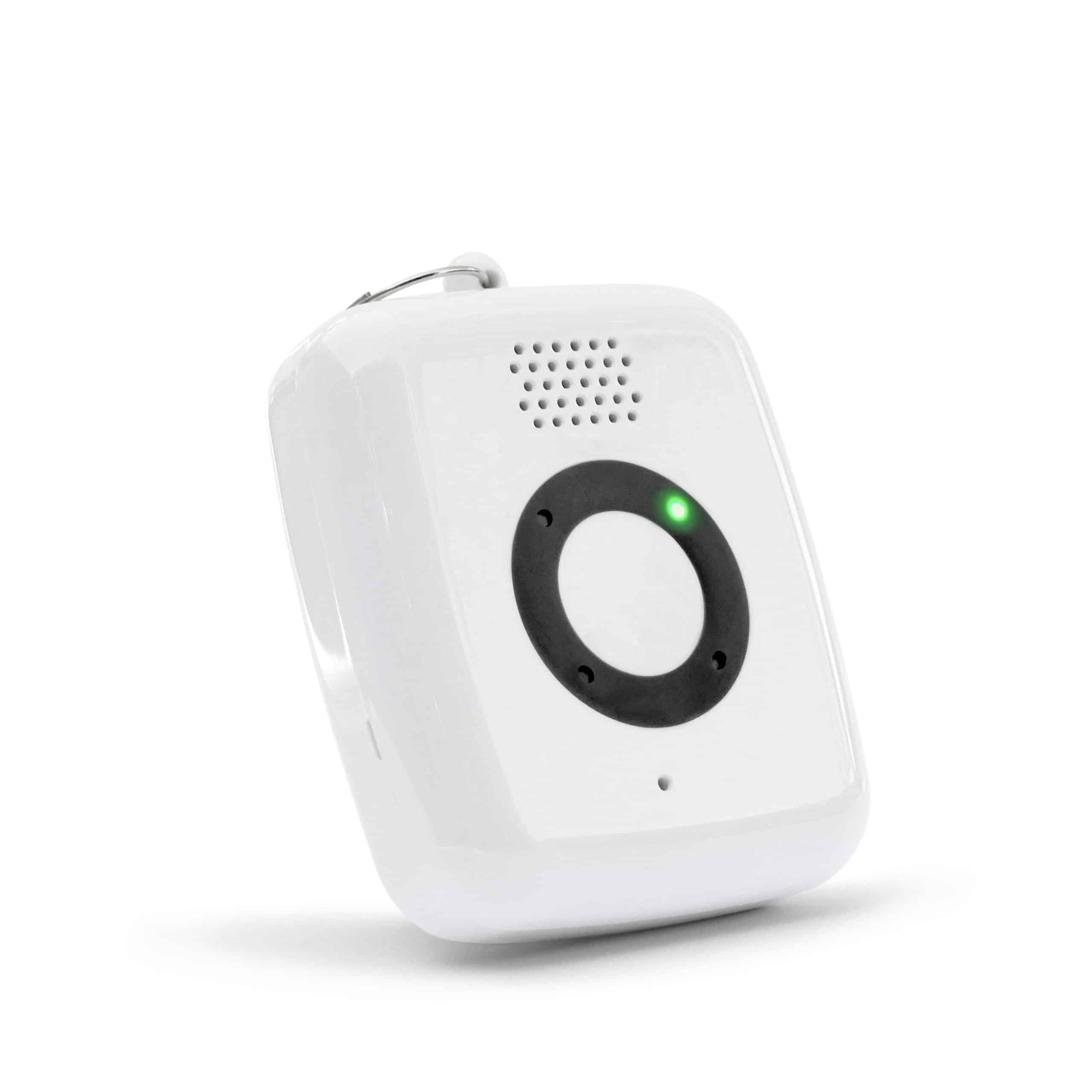
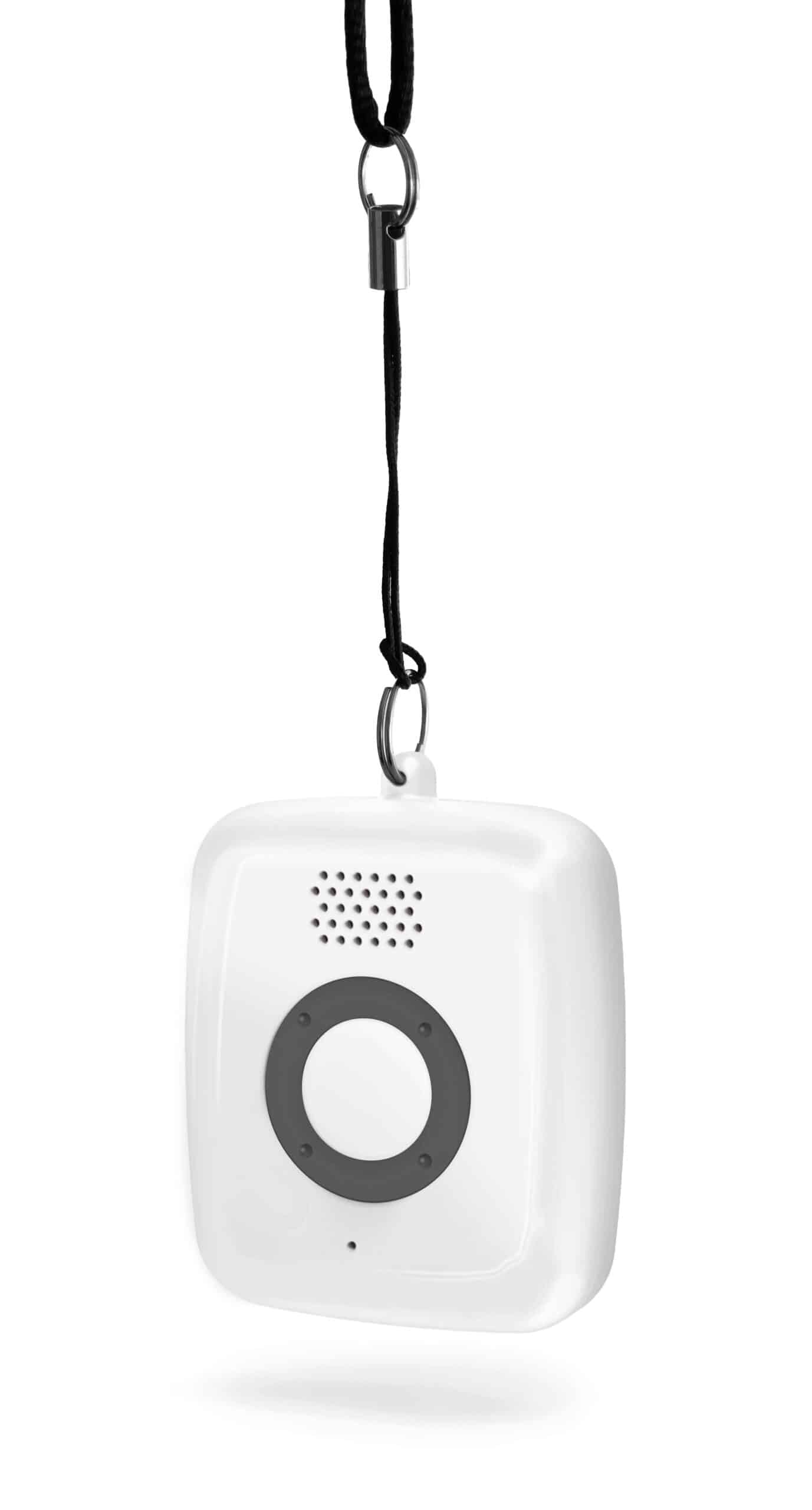
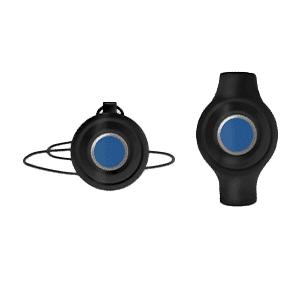
On the Go Mini is our sleekest, most compact and lightweight mobile offering that helps maintain independence by providing around-the-clock access to help at the press of a button.
- Embedded GPS and WiFi location technology enables us to find you fast in any emergency.(1)
- Clear, two-way voice communication through the built-in speaker & microphone.
More than a GPS Tracker
Superior Automatic Fall Detection
Fall detection technology can automatically call for help if it detects a fall—even if you can’t push the button.2

Location Technologies
On the Go features advanced location tracking including Advanced GPS so no matter where you are, we can get you the help you want.5

Two-way Voice Communication
Speak directly with a Lifeline Response Associate through you On the Go help button to have fast access to help on the go.
Uninterrupted Support
Since you can wear your Lifeline Help Button at all times, unlike a cell phone, it should always be easily within reach.

You Are in Charge
Choose whether our Response Centre dispatches a family member, close friend or emergency services when help is needed.

24/7 Response Centre
Our Canadian-based Response Centre are available 24/7, and staffed with professionally trained and caring Associates.
How On the Go Works

1. Summon help
Press your Mobile Help Button at any time. If you fall and can’t push your button – the fall detection feature can automatically call for help if it detects a fall— at home or on the go.2

2. Hear a reassuring voice
A caring Lifeline response associate will quickly access your personal profile and assess the situation.

3. Get located
Lifeline pinpoints your location on your mobile pendant. On the Go uses up to 4 technologies to determine where you are.1

4. Know help is on the way
Our response associate contacts a neighbour, loved one, or emergency services – based on your preferences – and will follow up to make sure help has arrived.
Choose the Right Device for Your Lifestyle
| Features | On the Go Series (On The Go, On The Go Mini, On The Go with Wandering) | HomeSafe Standard Our standard Medical Alert Pendant & Wristband | Homesafe with Fall Detection Medical Alert System with Automatic Fall Detection |
|---|---|---|---|
| Two-way Voice Communication | Yes | Yes | Yes |
| Fall Detection | Yes | No | Yes |
| Pendant-Style Devie | Yes | Yes | Yes |
| In-home Communicator | No | Yes | Yes |
| GPS Tracking | Yes | No | No |
| 24/7 Lifeline Response Associates | Yes | Yes | Yes |
| Water Resistant | Yes | Yes | Yes |
Not sure where to begin?
Not ready to get started?
Frequently Asked Questions
How does the On the Go Mini differ from other devices?
It has a smaller design, an IP67 rating (meaning it can be submerged in up to one metre for up to 30 mins), and comes with a Qi wireless charger.
What is the range of the Mini?
Your OTG Mini button is designed for use within Canada only. Coverage inside and outside the home is provided where third-party cellular network coverage is available and subject to device location, environment, equipment, and facility conditions. Signal range may vary. Lifeline may not always be able to determine your location.
How do I charge the Mini?
Simply place it on the supplied Qi wireless charger as directed.
Is it discreet and lightweight for travel?
Yes! You can take your OTG Mini button with you when you travel within Canada. If you are travelling by plane, the OTG Mini needs to be powered down before boarding the aircraft and should not be placed in checked baggage. It should stay on your person or in your carry-on luggage.
Other Lifeline Products
Best value for inside/outside use
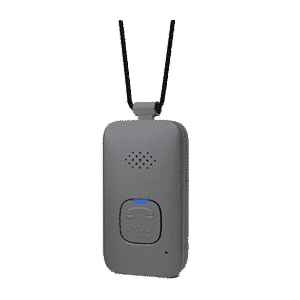
On the Go
Mobile medical alert system with GPS gives you freedom to be safe while on the go.
Best solution for wandering
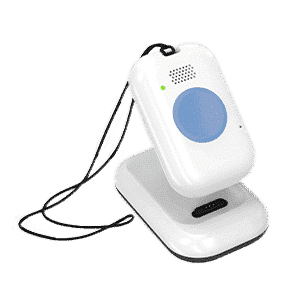
On the Go with Wandering
Allows you to track your loved one’s general location on your smartphone when they leave home.
Best for active lifestyles
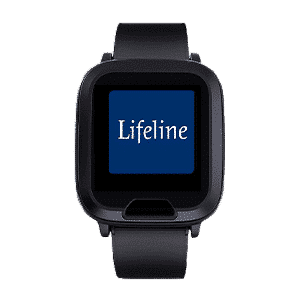
On the Go Smartwatch
The Lifeline Smartwatch is designed to support healthy and active lifestyles.
Best value for in-home use
HomeSafe
Our most affordable system. Get access to help 24/7 at the push of a button.